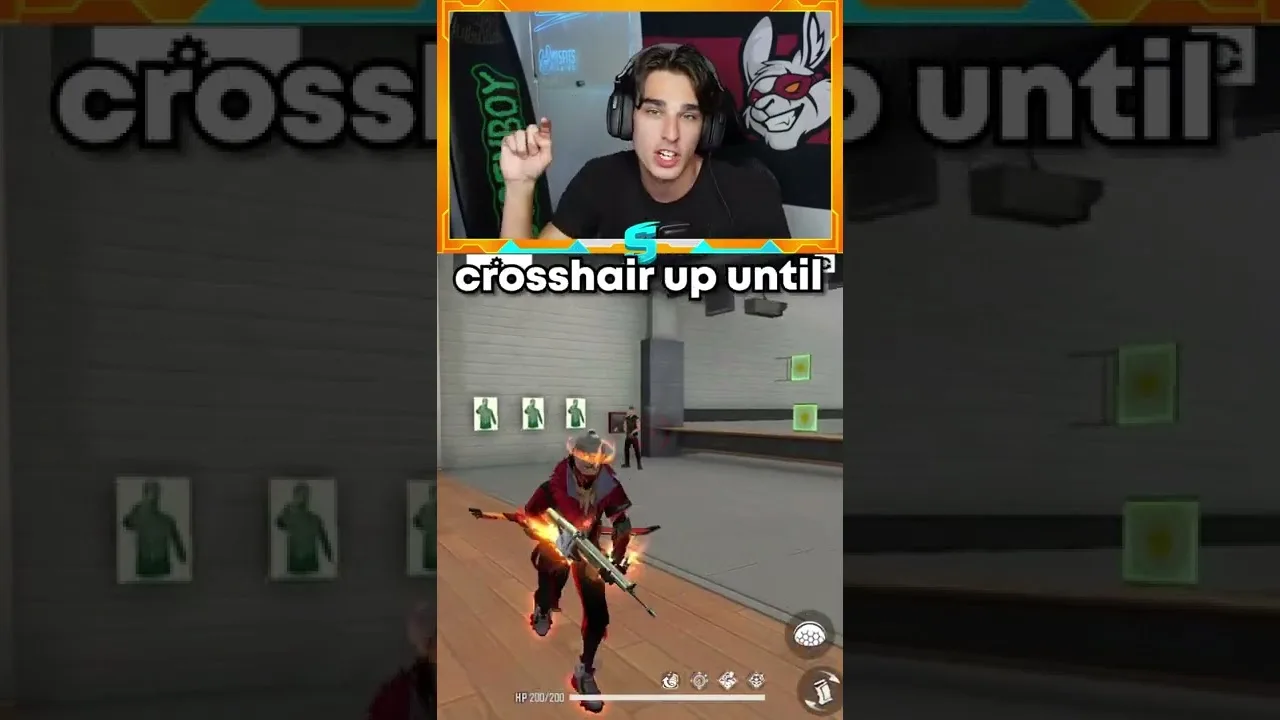
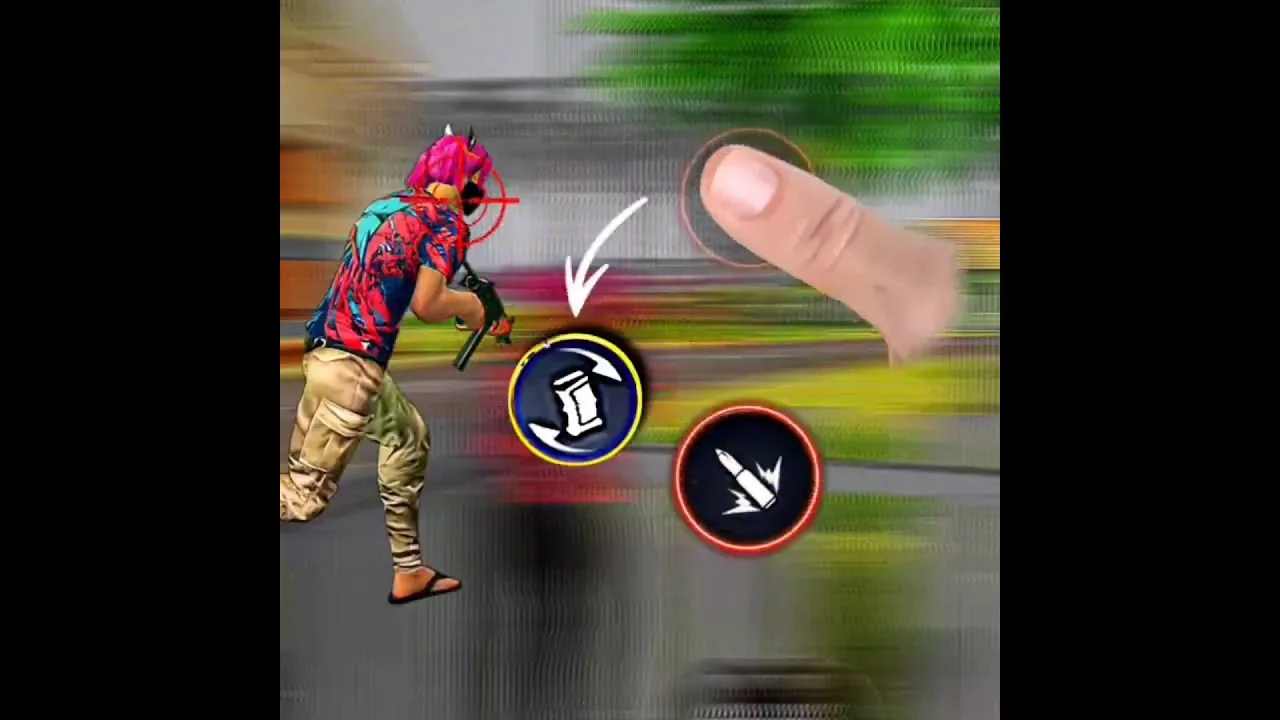
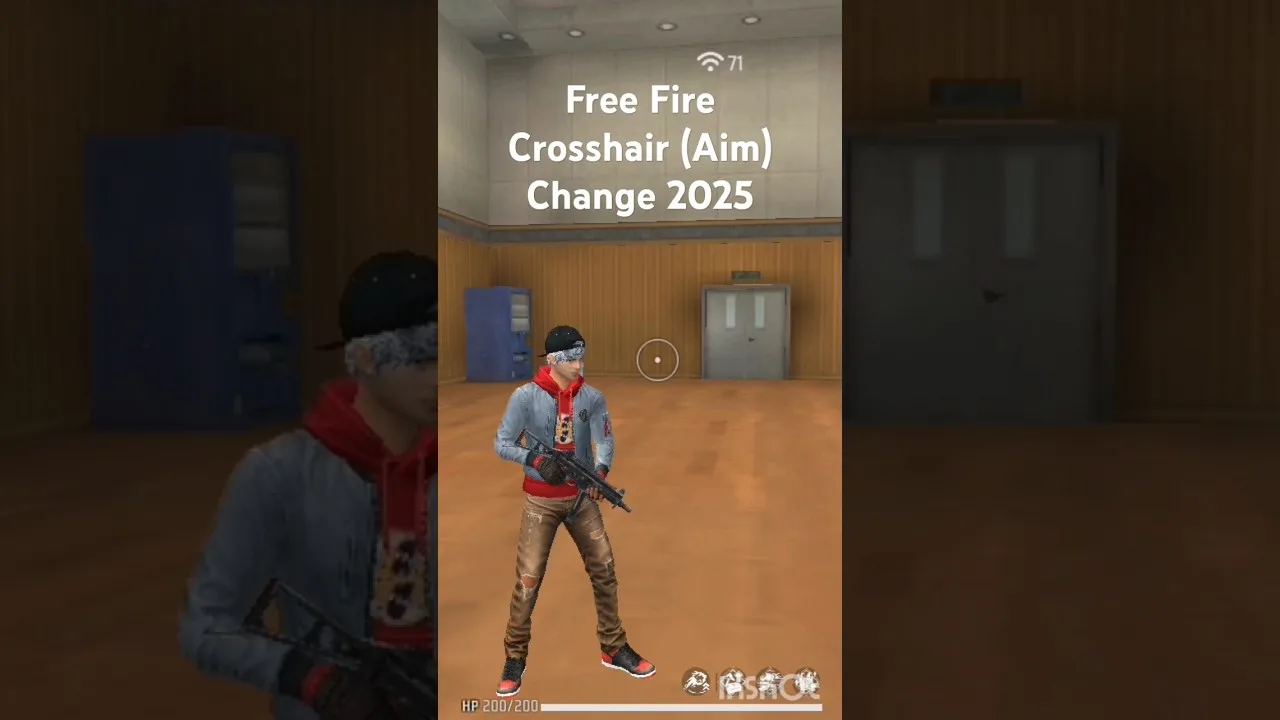
Testing settings in training mode means judging each change against the same fixed drills in a controlled space, instead of guessing from the chaos of real matches. The training ground removes opponents, pressure, and luck from the equation, so the difference between two sensitivity values or two DPI choices becomes something you can actually measure.
This guide gives you a complete step-by-step routine: what to record before you start, the drill set itself, how to score it, and how to decide whether a change earns a permanent place. Players new to the app can begin at FF Kipas setup app; returning players can jump straight to the routine and run it today.
Before You Start: Record Your Current Setup
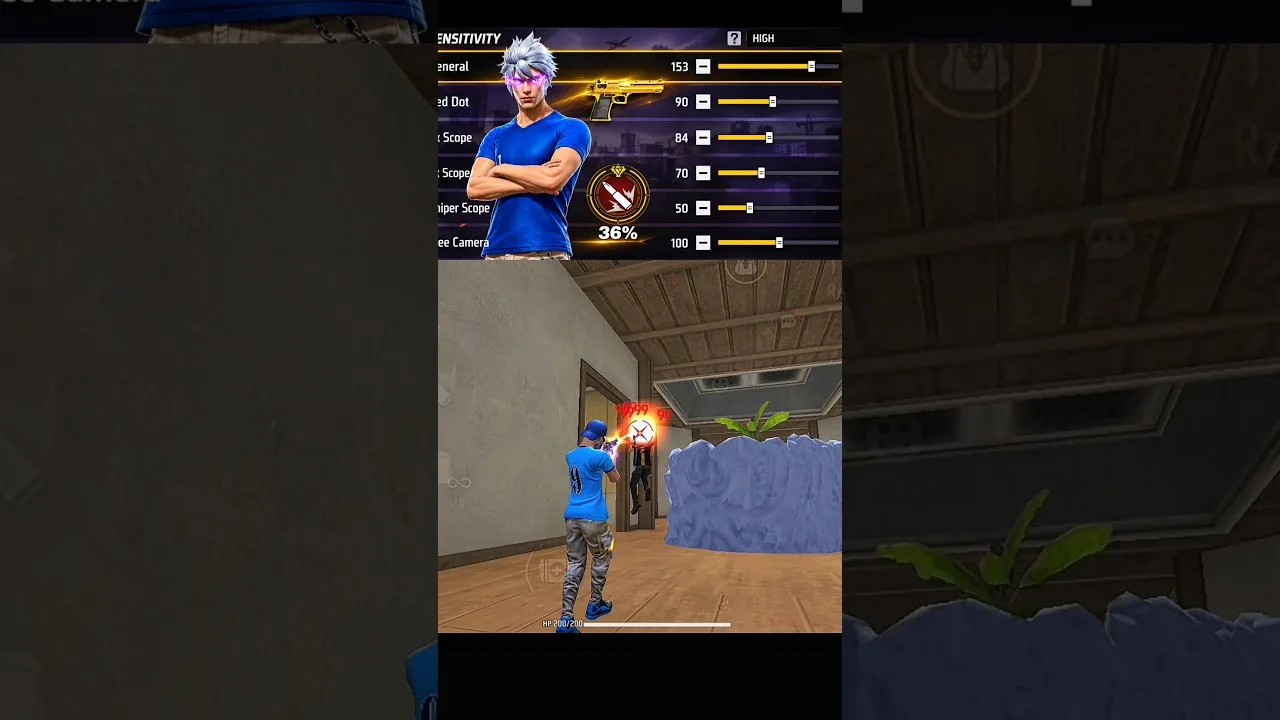
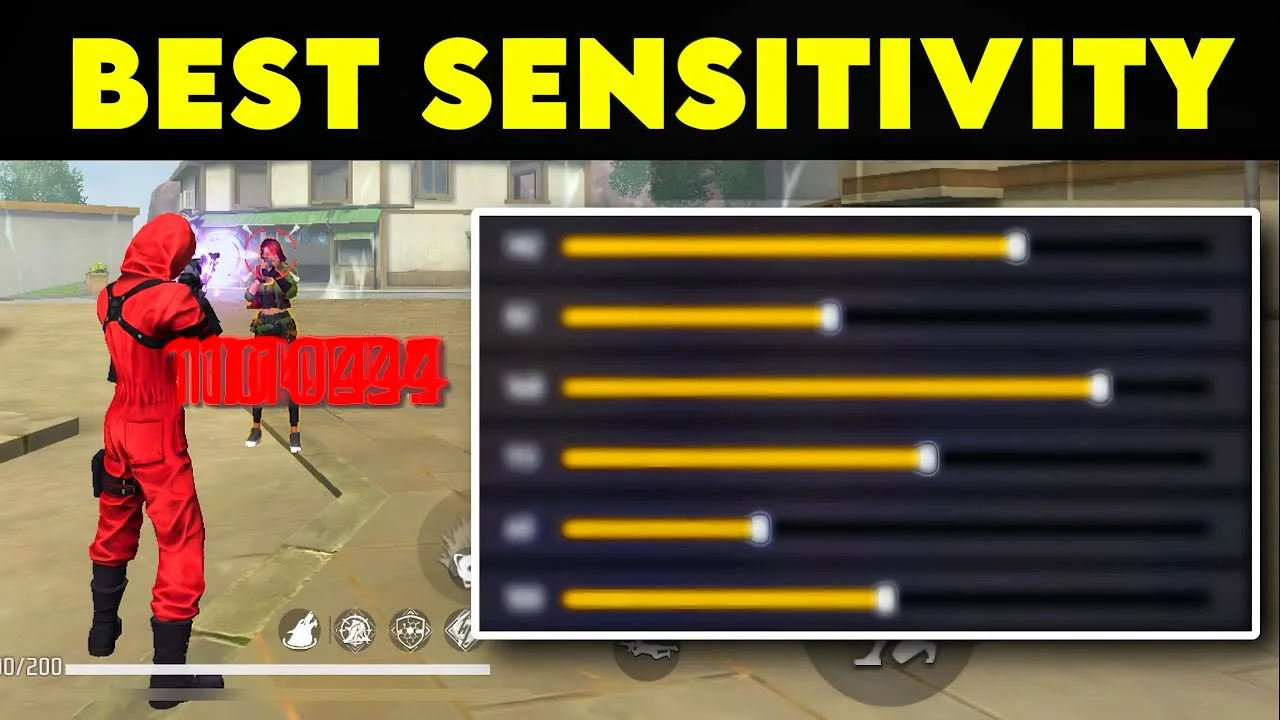
Write down every value you are about to test around: the sensitivity numbers, DPI, button layout notes, and any panel options involved. This baseline record is your safety net. If a testing session ends in confusion, and some do, the baseline lets you return to exactly the setup you had instead of an approximation of it.
Also decide in advance what you are testing in this session: one variable only. A session for sensitivity, a session for DPI, a session for layout. Mixing variables makes the scores meaningless, because you will never know which change moved them. Patience here is what turns random tweaking into genuine progress.
The Core Drill Set
Use the same four drills every session. First, turning: ten full 180-degree turns, checking whether you land on target without correction. Second, tracking: follow moving targets at close range for twenty passes, counting how long you stay on them. Third, drag shots: twenty attempts at your usual engagement distance. Fourth, scoped shots: ten at medium range with each scope you actually use.
Keep the distances, weapons, and order identical between sessions. The routine takes about fifteen minutes once learned, and its consistency is the entire point. A drill you perform the same way every time becomes a measuring instrument; a drill you improvise becomes another opinion.
Scoring Without Fooling Yourself
Score with counts, not feelings. Record successful turns out of ten, tracked passes out of twenty, and hits out of your drag and scope sets. Feelings are unreliable judges because a new setting often feels exciting or strange for reasons unrelated to performance, and the feeling fades while the numbers remain comparable.
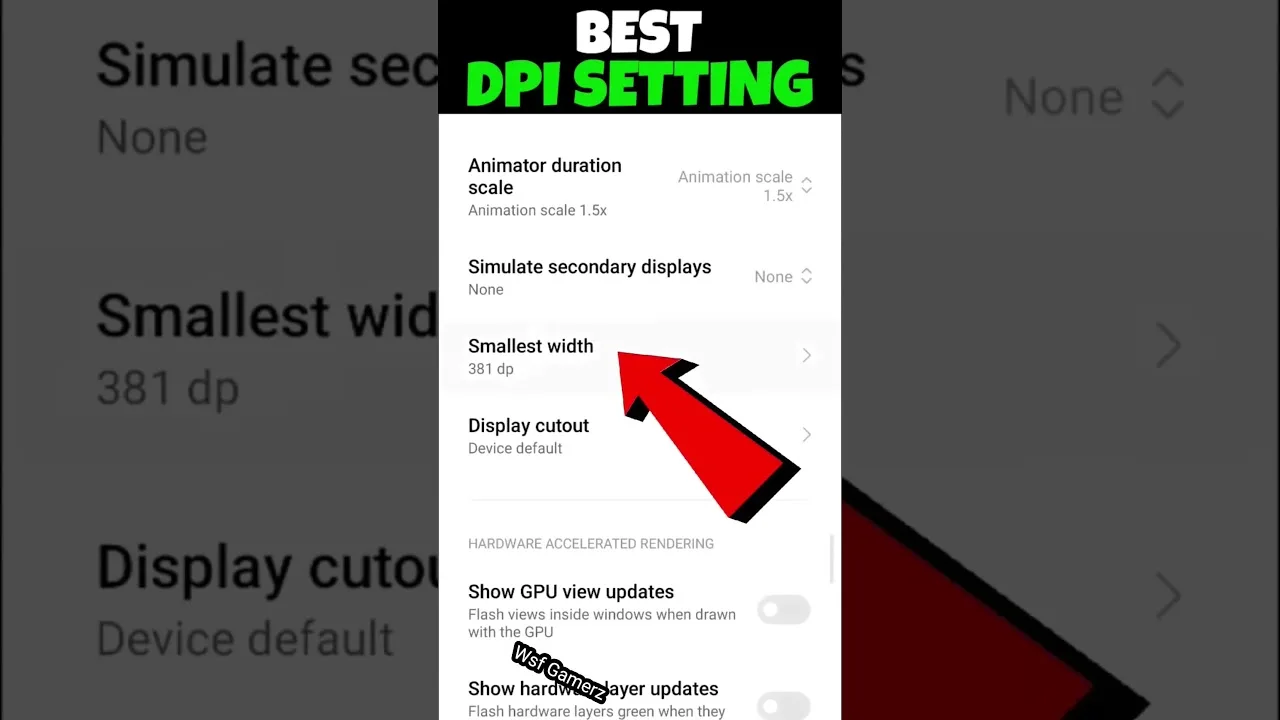
Run the drill set once on your current settings first, then on the changed settings, in the same session where possible. A change worth keeping improves the total across the set, not just one drill. The approach pairs naturally with the value-building method in FF Kipas DPI settings guide: set the display value, let it settle, then measure it here before touching sensitivity.
Choose your training conditions with a little care as well. Use the weapon loadout you actually play with, at the distances your matches are really decided, and if the training area offers moving targets, favour them for at least half of every drill set, because stationary targets flatter settings that real opponents would punish. Also run the routine when you are reasonably fresh: testing while exhausted measures your tiredness more than your settings, and many good configurations have been abandoned because they were judged at the end of a long day. A fair test needs a fair tester, and fifteen focused minutes while alert will tell you more than an hour of frustrated drilling.
Testing Headshot Settings Honestly
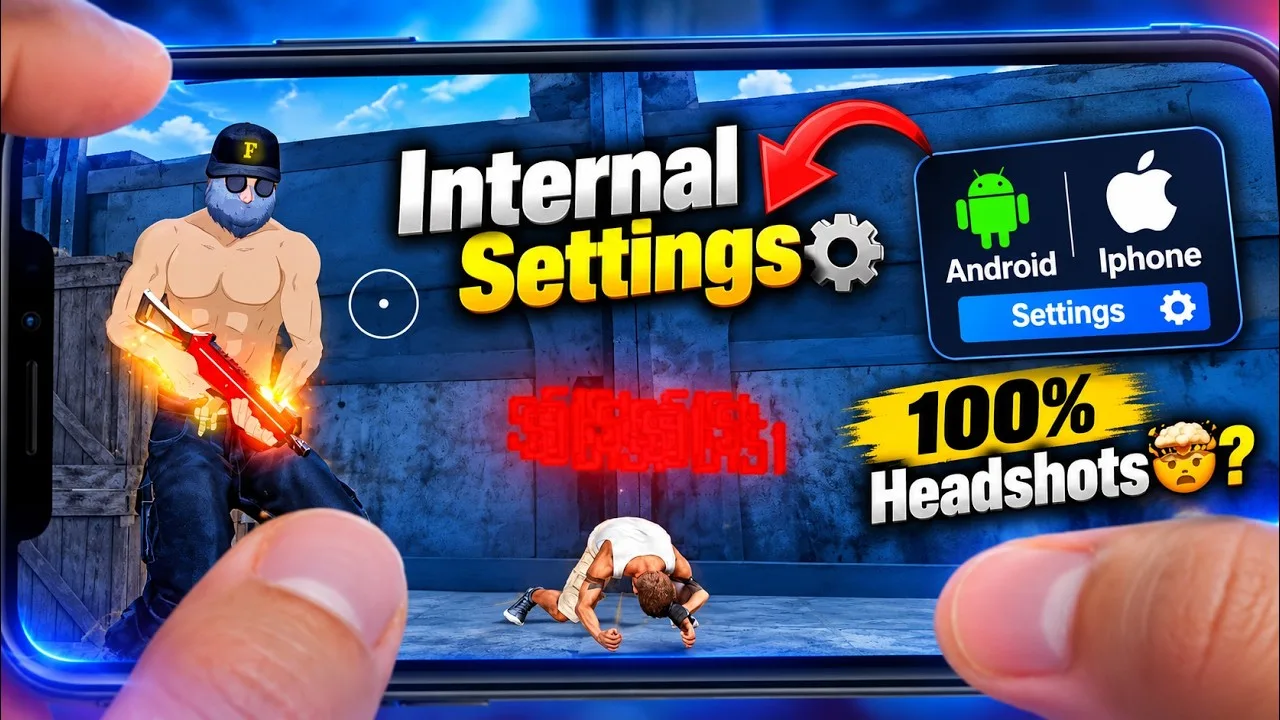
Headshot work needs its own honest test because standing targets flatter everyone. Mix your drag attempts between stationary targets and moving ones, and include your realistic fight distances rather than only the closest range. Count a success only when the drag stops cleanly at head level, not when a late correction rescues the shot.
The technique points in FF Kipas headshot settings tips explain what a correct drag feels like, which helps you interpret your scores. If moving-target scores lag far behind stationary ones, the issue is usually drag speed relative to target movement, a sensitivity question. If both are low, placement and button position deserve attention before any number changes.
Deciding and Locking In
After testing, apply a simple rule: a change stays only if it beats the baseline across the full drill set, and it stays for at least several real sessions before being judged again. Settings adopted impulsively get abandoned impulsively, and the constant churn is worse than any single imperfect value.
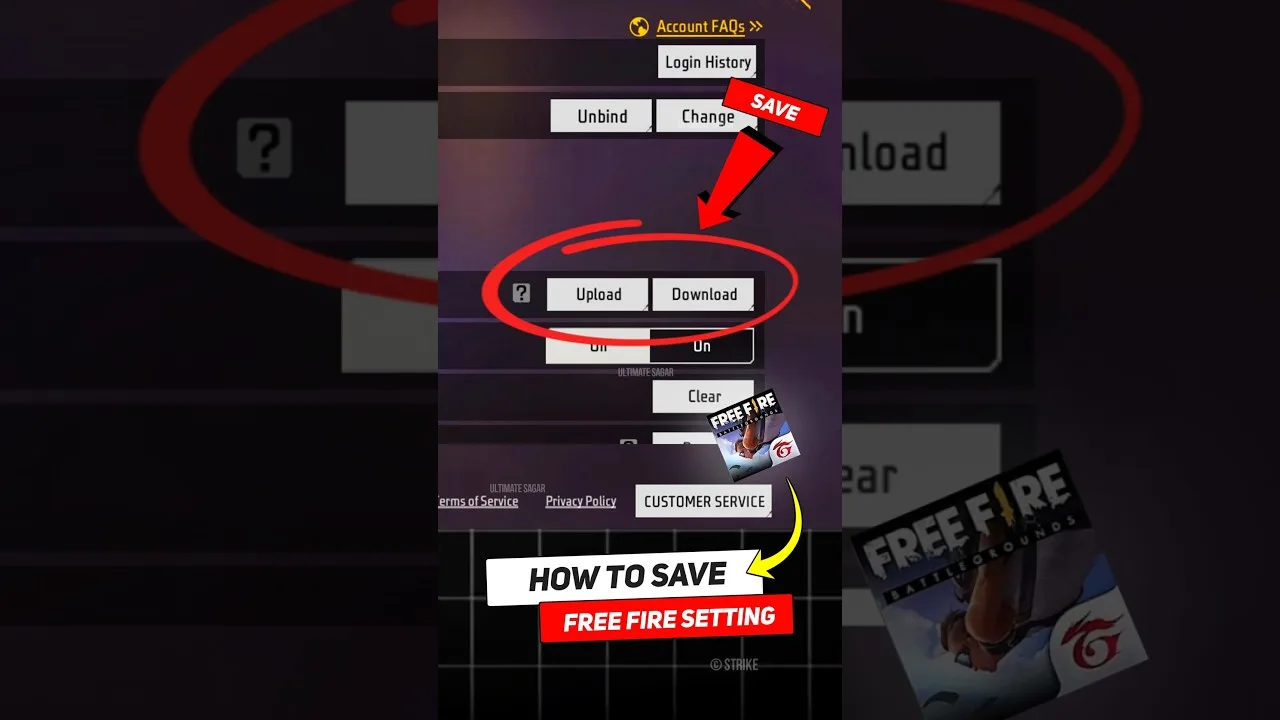
Finish each session by updating your written record with the new values and the date. That record, maintained over weeks, becomes the most valuable document in your setup: proof of what you tested, what won, and what to return to after any update or device change disturbs your configuration.
Over a month of weekly sessions, those records start to tell a story no single test can: which values survived repeated measurement, which were abandoned, and how your scores moved as the setup stabilised. That story is the real product of training-mode testing, and it compounds quietly in your favour. Bring the same patience to the results themselves: one testing session can mislead, but three sessions pointing the same way rarely do, so let repetition confirm every important change before it becomes part of the setup you trust in real matches.
Final Thoughts
Training mode turns settings from superstition into measurement: one variable at a time, the same drills every session, scores counted honestly, and changes locked in only when they beat your baseline. Run the routine whenever you tune, and your FF Kipas setup will improve on evidence instead of hope.